
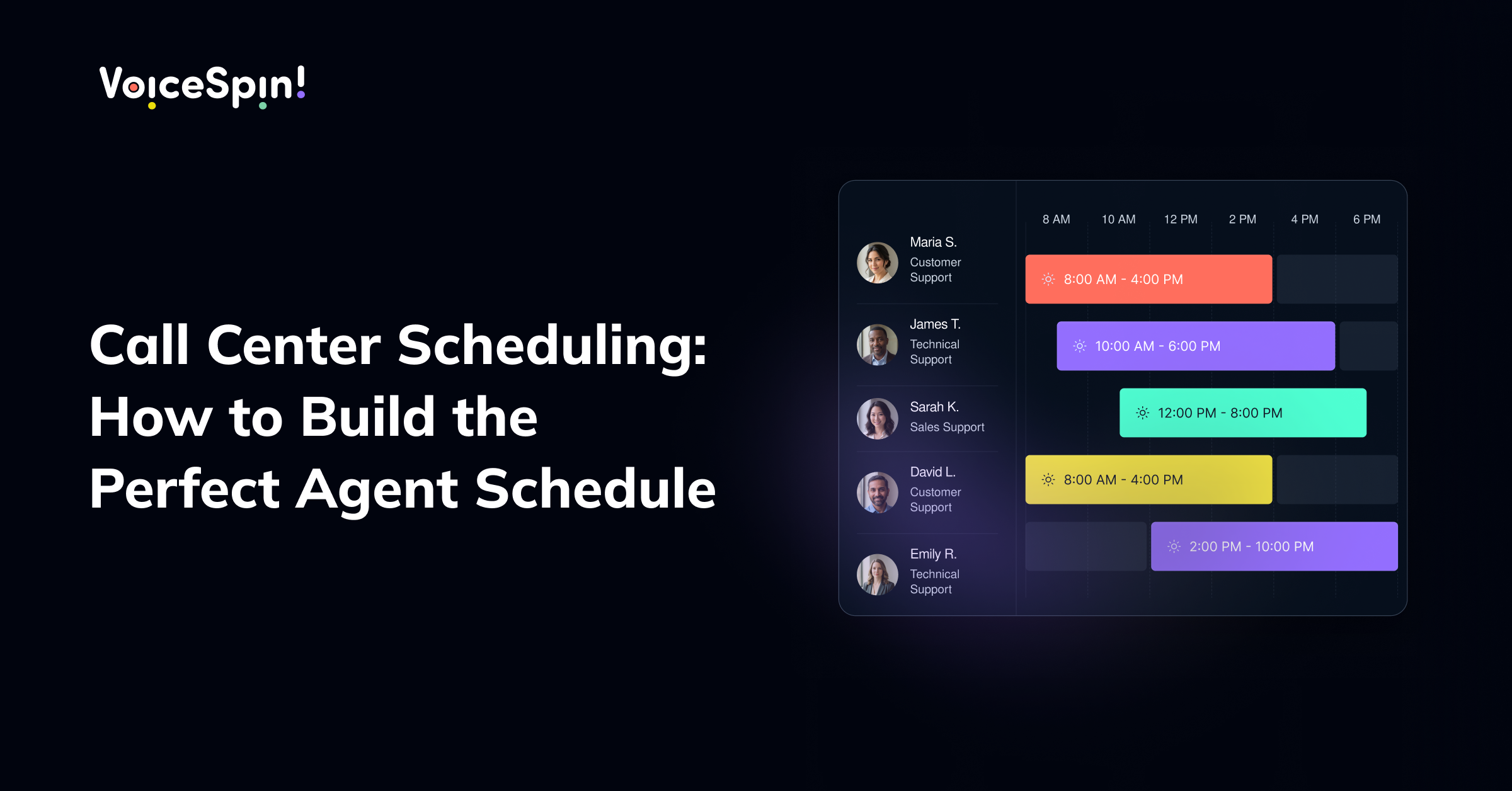

Call center scheduling directly determines whether you have the right number of agents in place at the right time, or whether you are stuck understaffed during peak hours and overstaffed during quiet ones. Getting it right by hand, using spreadsheets and guesswork, becomes nearly impossible once your team grows past a handful of agents. That is exactly the gap that call center scheduling software is built to close.
In this article, we will cover what call center scheduling actually involves, the tools and features that matter most, and the best practices for building a schedule that keeps both your team and your service levels running smoothly. If you also want to understand how scheduling connects to day-to-day performance, our guide on schedule adherence in call centers covers how well agents stick to the schedules you build, and our broader contact center workforce management guide covers the wider set of practices scheduling fits into.
What Is Call Center Scheduling?
Call center scheduling is the process of assigning agents to specific shifts, breaks, and tasks based on expected call volume, required skill sets, and business hours. The goal is simple to state but hard to execute manually: have enough of the right agents available at the right times, without overspending on labor during slower periods.
Done well, scheduling call center teams balances three competing priorities at once: customer service levels, agent wellbeing, and labor cost. Done poorly, it leads to long wait times, burned-out agents, or both.
Why Manual Scheduling Breaks Down at Scale
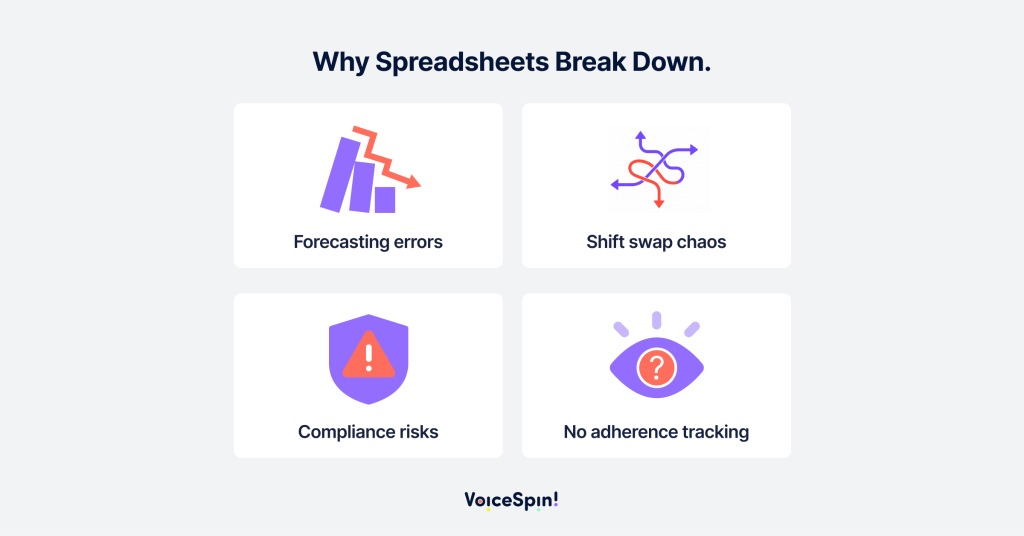
Many call centers start out managing schedules in spreadsheets, and for a small team, that can work for a while. The problems start showing up as the team grows or call volume becomes less predictable:
- Forecasting errors compound quickly. Without historical data modeling, it is nearly impossible to accurately predict call volume by hour, day, or season.
- Shift swaps become a manual headache. Every trade request, sick day, or last-minute change has to be tracked and re-balanced by hand.
- Compliance risks increase. Labor laws around breaks, overtime, and maximum hours are easy to miss without automated tracking.
- Adherence becomes hard to monitor. Without a system that tracks real-time attendance against the schedule, it is difficult to know whether agents are actually following the plan.
This is why most growing contact centers eventually move to dedicated call center scheduling software rather than continuing to manage it manually. VoiceSpin’s own Workforce Management tools, for example, are built specifically to bring scheduling, forecasting, and agent workload management into one place rather than juggling spreadsheets and separate systems.
Key Features to Look for in Call Center Scheduling Tools
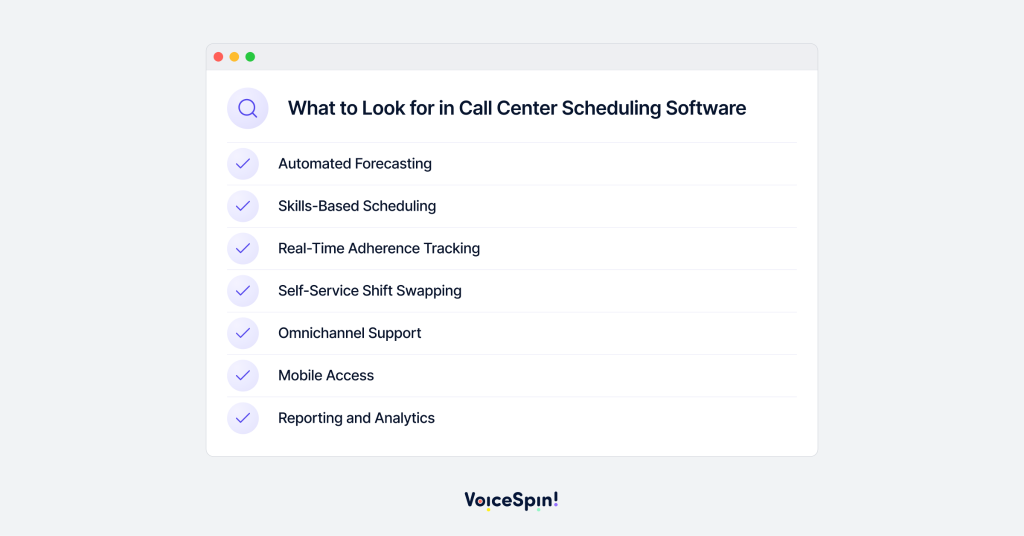
Not all call center scheduling tools are built the same way. Here are the top features to look out for when evaluating call center scheduling tools:
- Automated forecasting : the best tools use historical call data to predict how busy things will be, so you can build a schedule that actually matches the demand.
- Skills-based scheduling : the ability to assign shifts based on the skills the agent has, not just their employee number.
- Real-time adherence tracking : if your tool integrates with live attendance data, you can see in real time whether your schedule is actually working.
- Self service and shift swapping : let agents view their own schedule, swap shifts or request time off within certain rules, without having to get a manager to re-build the schedule every time.
- Omnichannel support : if you’re handling calls, chat, email and social messages from the same team, you need a tool that can handle workload across all channels, not just phone queues.
- Mobile access : agents should be able to check their schedule, request changes and swap shifts from their phone – not just from the desktop.
- Reporting and analytics : built-in reporting on adherence, occupancy and forecast accuracy should help you continuously refine future schedules.
Call Center Forecasting and Scheduling: Why They Go Together
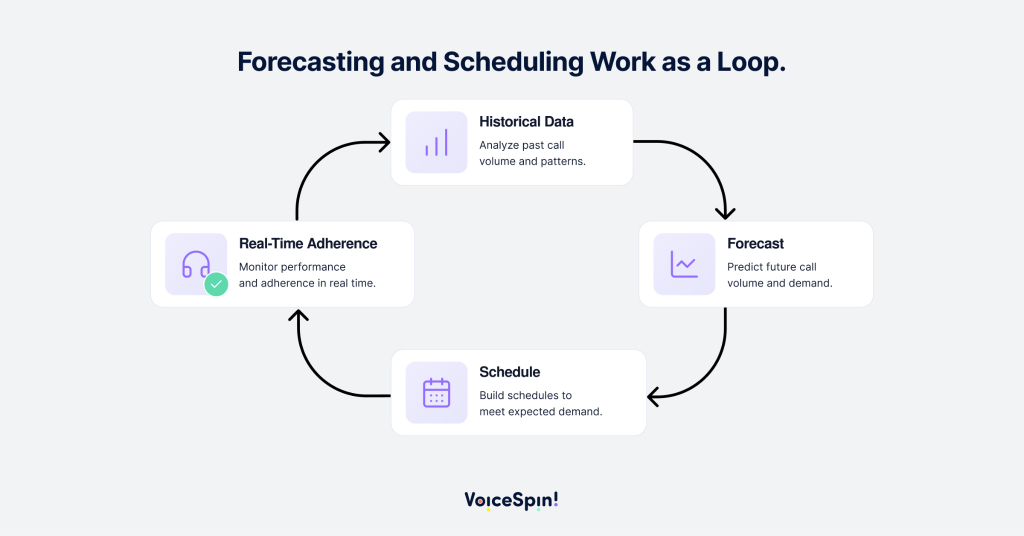
Forecasting and scheduling are two halves of the same coin, and treating them separately is one of the most common mistakes. Forecasting predicts how much call volume you can expect in a given time slot – and then scheduling figures out how many people you need to be working in that slot to handle it.
If your forecasting is off, even the best scheduling tool will produce a poor schedule, because it’s only as good as the data it’s using. This is why the best call center scheduling software platforms combine both functions in one system – using past patterns, seasonal trends, and external factors like marketing campaigns or product launches to continuously improve forecasting.
How to Build the Perfect Agent Schedule
1. Start with accurate historical data
Pull at least several months of historical call volume data, broken down by hour and day of week, before building a new schedule. The more granular the data, the more accurate the forecast.
2. Account for shrinkage
Shrinkage, meaning time lost to breaks, training, meetings, and absenteeism, needs to be built into the schedule from the start. Ignoring it is one of the fastest ways to end up understaffed despite having “enough” agents on paper.
3. Build in flexibility, not just fixed shifts
Offering a mix of shift lengths, part-time slots, and self-scheduling options helps match staffing to demand more precisely than rigid, one-size-fits-all shifts.
4. Use real scheduling software, not spreadsheets
Once you’ve got a team of around 15-20 agents, a dedicated call center scheduling tool becomes far more reliable than a spreadsheet. Not just for forecasting accuracy, but also for real-time monitoring.
5. Review and adjust continuously
Think of your schedule as a living document. Check the forecast against what’s actually been happening on a weekly basis and adjust future schedules based on what that tells you.
6. Involve agents in the process
The kind of call center employee scheduling software that your agents will actually enjoy using is the kind that gives them a bit of visibility and some control. Things like shift preferences, swap requests and self-scheduling windows are all good. Not the kind where a schedule is simply handed down with no input.
Call Center Scheduling Best Practices
- Build schedules at least two to four weeks in advance so agents can plan their personal lives around shifts.
- Keep occupancy in a healthy range (generally 75-85%) rather than scheduling agents back-to-back with no recovery time.
- Use skills-based routing data to inform scheduling, not just headcount targets.
- Set clear policies for shift swaps and time-off requests, and automate approval where possible.
- Monitor schedule adherence in real time, not just after the fact, so issues can be corrected during the shift rather than in a retrospective report.
- Revisit forecasts regularly, since seasonality, promotions, and business growth all shift call volume patterns over time.
Frequently Asked Questions About Call Center Scheduling Software
What is call center scheduling software?
Call center scheduling software is a tool that automates the forecasting and staffing process, replacing manual spreadsheet planning with data-driven planning.
What features should I look for in a call center staff scheduling software?
Automated forecasting, skills-based scheduling, real time adherence tracking, self service shift swapping, multichannel support, and mobile access – which make the biggest difference to scheduling accuracy and agent satisfaction.
How is call center forecasting and scheduling different from basic shift planning?
Basic shift planning relies on guesswork, while call center forecasting and scheduling uses historical data and predictions to match staffing levels to the call volume, cutting out both understaffing and overstaffing.
At what team size does a call center need dedicated scheduling tools?
While there’s no one-size-fits-all answer, many call centers find that manual scheduling becomes difficult to manage once the team grows – past 15-20 agents or so, especially if the call volume varies wildly by hour or day.
Can call center scheduling software help with compliance?
Yes – it can flag potential compliance issues like break requirements, maximum hours, or overtime rules, so you don’t have to track those manually across a large team.



 +18889082995
 +442036084160
 +97237237006
 Call on WhatsApp

